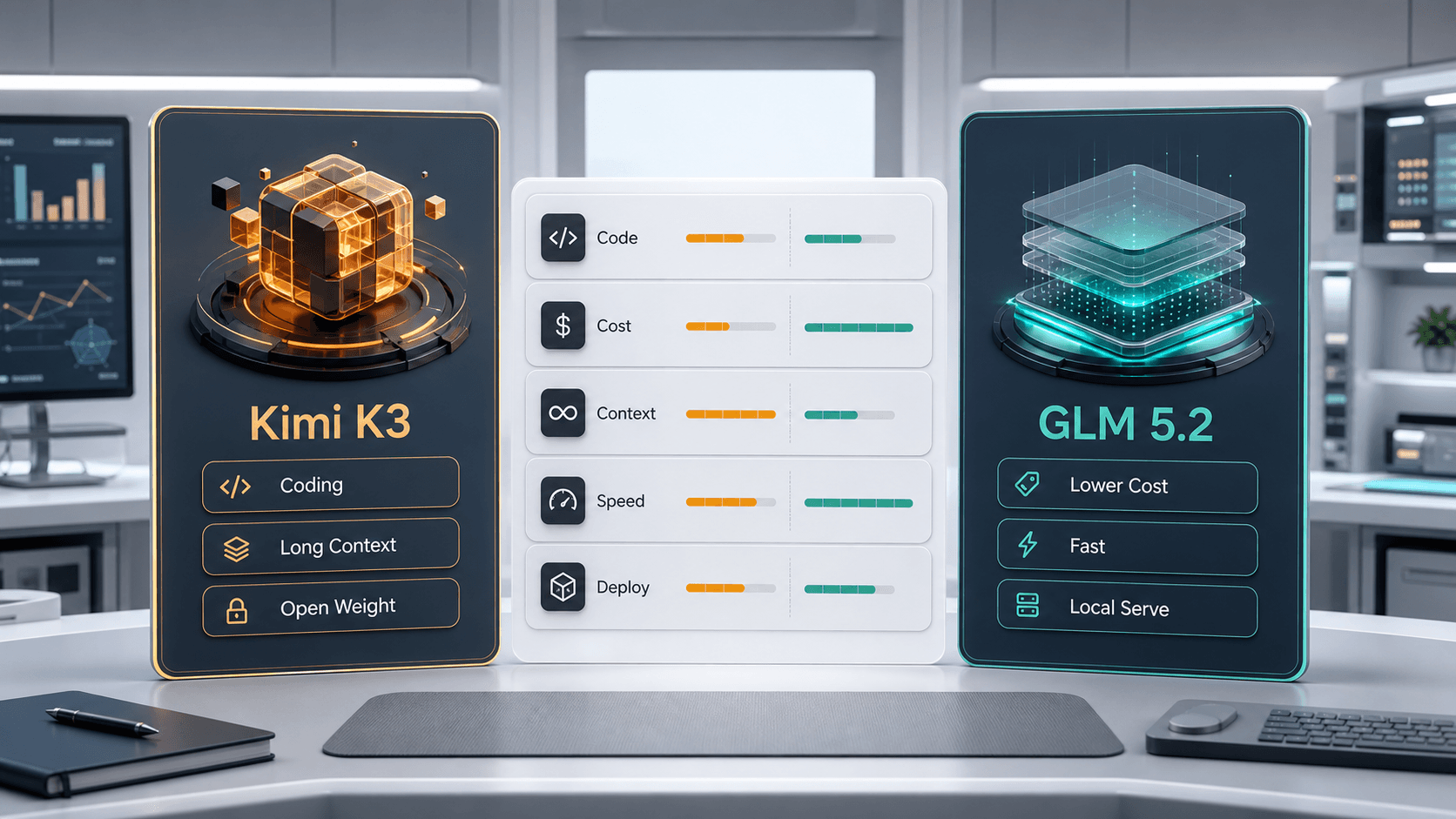
Kimi K3 vs GLM 5.2 is mainly a workload decision. Test Kimi K3 first when you care most about difficult coding, agent reliability, and high-quality long-context reasoning. Test GLM 5.2 first when you care most about lower cost, speed, local serving, and operational control.
Both models can be reasonable for 1M-context workflows, so the real question is not which model has the more impressive claim. The useful question is which one gives your app the best result per successful task after retries, latency, and deployment risk are included.
Part 1: Compare Kimi K3 and GLM 5.2 by Workload
Start with the job you need the model to finish. Coding quality, token cost, response speed, context accuracy, and deployment control pull the decision in different directions.
Where Kimi K3 Has the Stronger Case
Choose Kimi K3 first for hard coding tasks, long-context repository analysis, multi-step agent work, and model-quality experiments where a stronger answer can justify higher cost or slower turnaround. It is also a useful baseline when you already plan to compare models through OpenRouter.
Where GLM 5.2 Has the Stronger Case
Choose GLM 5.2 first when the workflow is cost-sensitive, latency-sensitive, or likely to move toward self-managed deployment. Its practical appeal is not just lower price; it is the combination of coding focus, 1M-context support, flexible effort levels, and a clearer local-serving path.
Part 2: Test Kimi K3 and GLM 5.2 Before Production
A fair comparison needs the same prompt, context, settings, and scorecard. If Kimi K3 gets a cleaner prompt than GLM 5.2, or GLM 5.2 gets a shorter task than Kimi K3, the result will not help you choose.
AI Prompt for Kimi K3 vs GLM 5.2 Testing
Use this fixed prompt to score both models on the same workload without copying your private test details.
Compare two AI models on the same workload.
Score each model for correctness, coding reliability, context retrieval, latency, token cost, deployment fit, and recovery after feedback.
Return a comparison table first, then a recommendation for which model should handle this workload.
Separate measured results from subjective judgment.
- - Paste the same task, file excerpt, repository issue, document, or benchmark prompt for both models.
- - Add the model route, provider, temperature, context size, retry rule, and budget limit.
- - Record at least one short task, one coding task, and one long-context task.
- 1. Build three test prompts: one coding task, one long-context retrieval task, and one general reasoning task.
- 2. Keep the run settings identical: use the same temperature, context, tools, output format, and retry rule.
- 3. Track cost per successful answer: include retries and failed runs, not only listed token price.
- 4. Check deployment friction: compare API availability, local-serving needs, hardware cost, data policy, and monitoring work.
Use OpenRouter for the First API Comparison
OpenRouter is useful when you want to compare Kimi K3 and GLM 5.2 without rebuilding your API layer. Keep the prompt set fixed, switch only the model ID, then record quality, latency, cost, and failure rate. For the Kimi setup path, use the Kimi K3 OpenRouter guide.
Do Not Let One Benchmark Decide
Benchmarks are useful for screening, but production choice needs your own task mix. A model that wins one coding benchmark may lose on latency, cost, long-context recall, or operational control. A model that is cheaper may still be more expensive if it needs more retries.
Conclusion: Choose by Cost per Finished Task
For most builders, Kimi K3 is the better first test for difficult coding and agent quality, while GLM 5.2 is the better first test for cost, speed, and deployment control. Run both on the same workload, then choose the model that finishes the task with the best balance of quality, latency, cost, and risk.